
Monthly Calendar Template
Printable monthly calendar templates for planning the year ahead: full 2027 sets starting on Sunday or Monday, undated month grids you can reuse any year, and an editable Excel calendar that fills in dates automatically when you change the year.
- Instant download
- Editable Word & Excel
- Print-ready PDF
- 7-day refund
5 files · PDF, DOCX, XLSX
Monthly Calendar Templates 2027
2027 monthly calendars in Sunday- and Monday-start versions, undated monthly grids, an automatic Excel calendar and a year-at-a-glance planner.
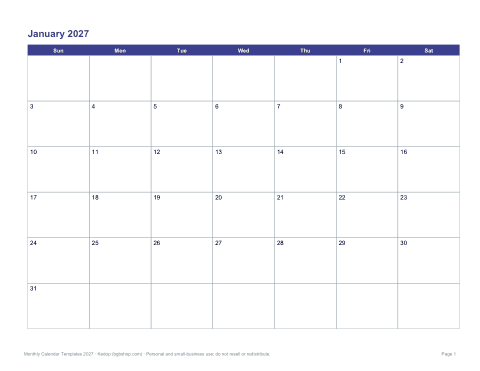
- 2027 calendar, Sunday start (PDF)
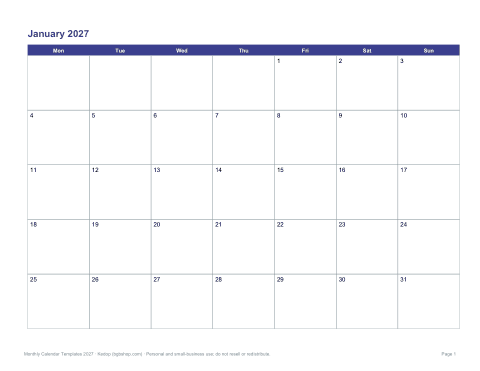
- 2027 calendar, Monday start (PDF)
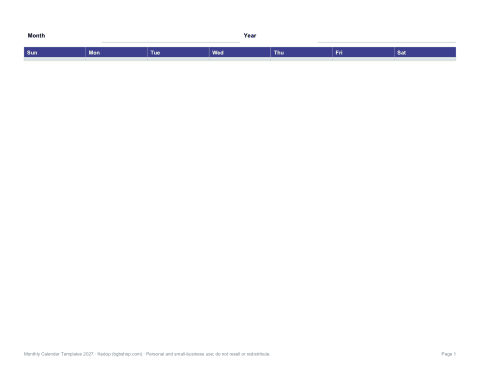
- Undated monthly grid (PDF, DOCX)
- + 2 more
$5.00 USD, one-time 5 files · about $1.00 each
- Instant download
- 7-day refund
- Secure checkout by Stripe
7-day money-back guarantee. Full refund within 7 days of purchase, even after you download.
Free sample: Monthly Calendar 2027 Sunday (PDF, 71 KB)
Monthly Calendar Templates 2027
2027 monthly calendars in Sunday- and Monday-start versions, undated monthly grids, an automatic Excel calendar and a year-at-a-glance planner.
- 2027 calendar, Sunday start (PDF)
- 2027 calendar, Monday start (PDF)
- Undated monthly grid (PDF, DOCX)
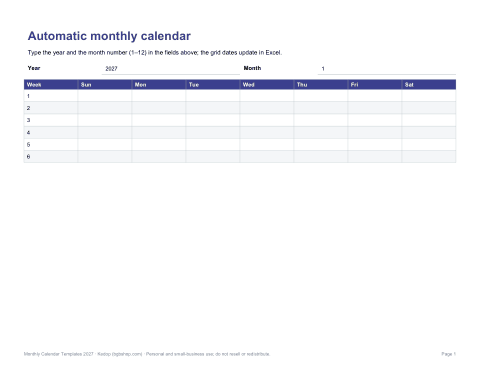
- Automatic Excel calendar (XLSX)
- Year-at-a-glance planner (PDF, DOCX, XLSX)
Formats: PDF, DOCX, XLSX. Instant download after payment (link valid 72 hours, up to 5 downloads). AI-assisted: the templates were drafted with AI help and reviewed and laid out before publishing.
$5.00 USD, one-time 5 files · about $1.00 each
- Instant download
- 7-day refund
- Secure checkout by Stripe
7-day money-back guarantee. Full refund within 7 days of purchase, even after you download.
Free sample: Monthly Calendar 2027 Sunday (PDF, 71 KB)
Full refund within 7 days — see the refund policy and license.
New · 5 files · PDF
Illustrated 2027 Wall Calendar
Two illustrated 2027 wall calendars to print at home: Seasons (a painted landscape for every month) and Birth Flowers (a watercolor of each month's flower).
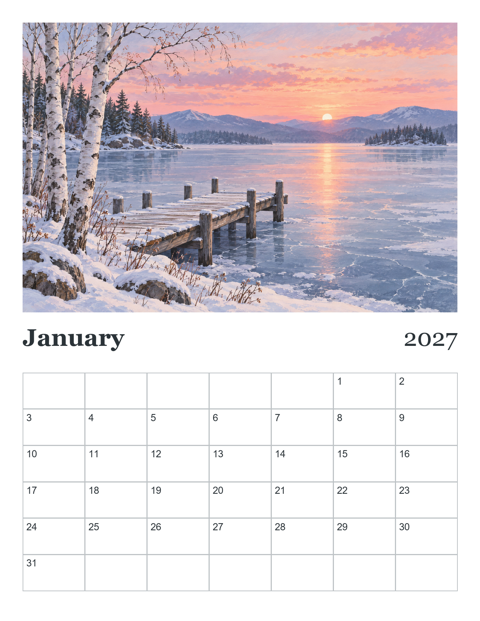
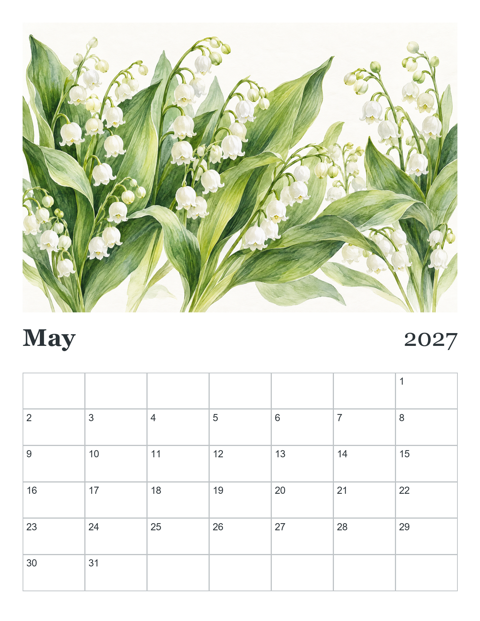
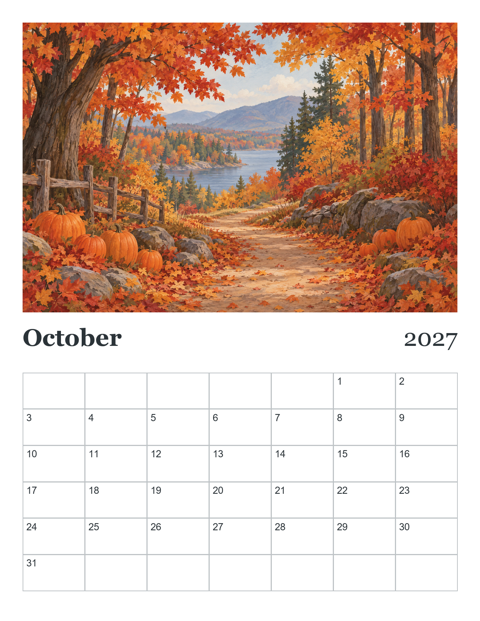
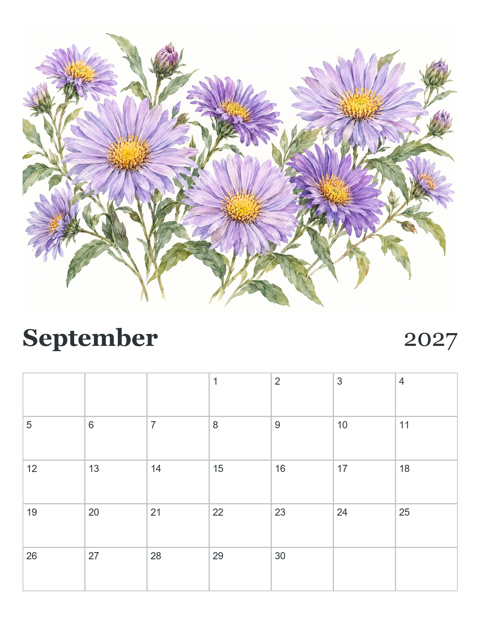
- Seasons calendar, Letter, Sunday start (PDF, 13 pages)
- Seasons calendar, A4, Monday start (PDF, 13 pages)
- Birth Flowers calendar, Letter, Sunday start (PDF, 13 pages)
- + 2 more
$9.00 USD, one-time 5 files · about $1.80 each
- Instant download
- 7-day refund
- Secure checkout by Stripe
7-day money-back guarantee. Full refund within 7 days of purchase, even after you download.
Artwork created with AI image tools, then selected and laid out for print.
Free printables
Single sheets you can print right now, no sign-up. The full pack adds every sheet in one download plus the editable files.
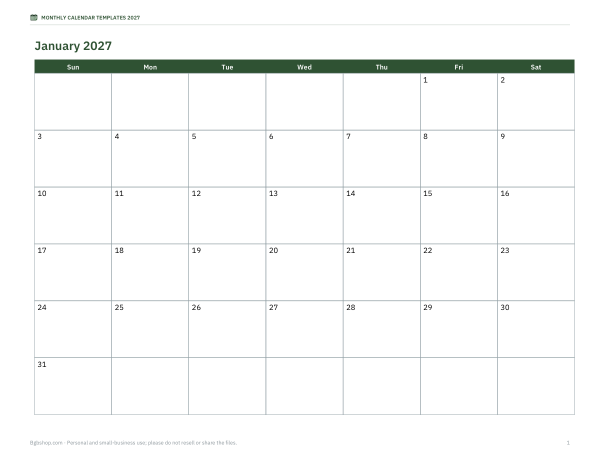 Free 2027 Monthly Calendar Pages
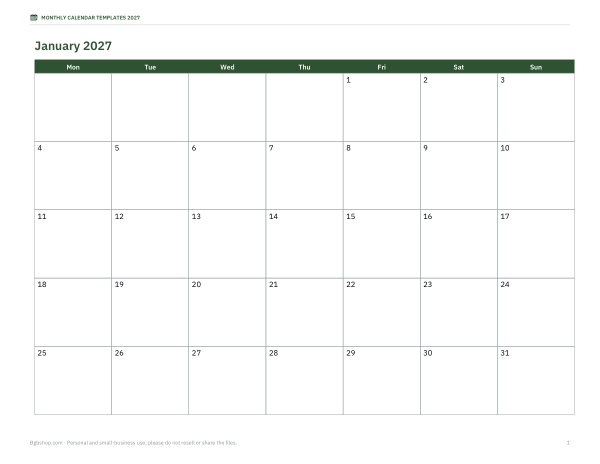 Printable 2027 Monthly Calendar
 Printable Undated Monthly Calendar Grid
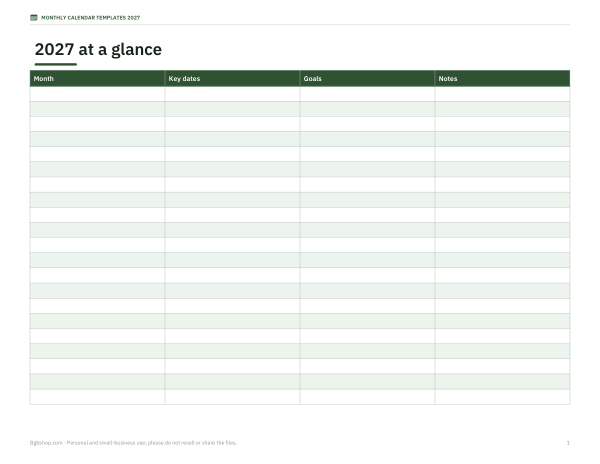 Printable 2027 Year-at-a-Glance Planner
What is in the template pack
| Template | Format | Best for |
|---|---|---|
| 2027 monthly calendar, Sunday start | PDF, 12 landscape pages | US-style wall and desk calendars |
| 2027 monthly calendar, Monday start | PDF, 12 landscape pages | Work planning and European/ISO weeks |
| Undated monthly grid | PDF and Word | Any month of any year; fill in the dates yourself |
| Editable Excel calendar | XLSX | Type the year and month; dates fill in automatically |
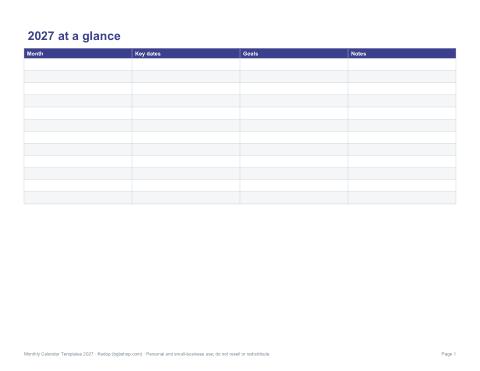
| Year-at-a-glance planner | Key dates, holidays and goals on one page |
Sunday or Monday start?
In the United States, Canada and Japan, printed calendars traditionally start the week on Sunday. Most of Europe and the international standard for dates (ISO 8601) start on Monday, and many people prefer Monday-start calendars for work because the weekend stays together at the end of the row. The pack includes both so you can choose — or print one of each for home and office.
How to use a monthly calendar well
- Start the month by entering fixed dates: appointments, deadlines, birthdays and bills.
- Add recurring commitments such as classes or team meetings.
- Block time for important work before deadlines, not only the deadline itself.
- Use colour or symbols for categories — work, family, health, finance.
- Review the calendar weekly and carry unfinished items forward.
- At month end, note what worked and plan the next month.
Monthly calendar ideas
- Family command centre — one calendar on the fridge with each person’s activities in a different colour.
- Content calendar — plan blog posts, newsletters and social posts.
- Habit tracker — tick each day you exercise, read or practise.
- Budget calendar — write bill due dates and paydays to plan cash flow.
- Project timeline — milestones and review dates for a month-long project.
- Classroom calendar — units, tests, trips and events for students and parents.
Editable Excel calendar
The Excel template builds a month grid from the year and month you type at the top, using date formulas, so the first day always falls on the correct weekday and months have the right number of days, including leap years. You can type events into each day’s cell, change colours and print. It works in Excel, Google Sheets and LibreOffice Calc.
Printing tips
- Print landscape pages on US Letter or A4 for a desk or wall calendar; tabloid or A3 gives larger day boxes.
- Choose “Fit to page” if your printer trims the edges.
- Print on heavier paper (100–120 gsm or 24–32 lb) for a calendar that lasts the month.
- Bind pages with a clip, binder rings or a spiral binding service at a copy shop.
- Print single months as needed rather than the whole year to keep changes easy.
Who it is for
Families, students, teachers, small-business owners, office managers and anyone who plans on paper. The clean, minimal design works for home and work.
Formats
2027 calendars and the year planner are print-ready PDFs; undated grids are PDF and editable Word; the automatic calendar is an Excel workbook.
Planning the year with monthly pages
At the start of the year, go through all twelve months and add fixed dates: birthdays, anniversaries, school terms, holidays, renewals and annual deadlines such as tax filing. Then add planned trips and big events. Seeing the whole year laid out month by month helps spread commitments evenly and spot busy periods early. Keep the year-at-a-glance page at the front as an index.
Paper calendars vs digital
Digital calendars are great for reminders and sharing, but a paper monthly calendar shows the whole month at a glance and stays visible without opening an app. Many people use both: appointments in a digital calendar, and a printed monthly view on the wall or desk for planning and for the rest of the household. Writing plans by hand also helps some people remember them.
Frequently asked questions
Are there Monday-start calendars?
Yes, the 2027 set comes in both Sunday- and Monday-start versions.
Can I use the calendars for other years?
The undated grids and the Excel calendar work for any year.
What paper size are the calendars?
US Letter landscape; they also print on A4 with “Fit to page”.
Are the templates editable?
The Word and Excel versions are editable; PDFs are print-ready.
Was AI used to create the templates?
The calendars were generated by script and the text drafted with AI assistance, then reviewed before publishing.